Is Your Tulsa Business Network Secure? A Simple Checklist for Cybersecurity Awareness Month

Most businesses that get hacked are not singled out by a mastermind. They are found by automated tools that scan the internet around the clock looking for easy targets: a router still using its factory password, a firewall that has not been updated in three years, an employee who clicks a convincing email. That is why this year's Cybersecurity Awareness Month theme from the National Cybersecurity Alliance is hard to improve on: Don't Make It Easy for Them.
October has been Cybersecurity Awareness Month in the United States since 2004, and it is a good excuse to take an honest look at your own network. This checklist is written for Tulsa businesses without a large IT department, and if you work through it section by section, you will know where your real gaps are.
Start With the Four Basics Everyone Skips
The Cybersecurity and Infrastructure Security Agency keeps its core advice simple. Its Secure Our World campaign focuses on four habits: use strong passwords and a password manager, turn on multifactor authentication, recognize and report phishing, and keep software updated. None of them require new hardware, and together they shut the door on a large share of everyday attacks.
Check each one honestly. Are staff reusing the same password across accounts, and is multifactor authentication turned on for email, remote access and anything financial? Would your team know what to do with a suspicious email, and do they feel comfortable reporting one? Are updates installed automatically, or only when someone happens to remember?
Phishing deserves special attention because it targets people rather than technology. A short training session and one simple rule, such as calling to confirm any request to change payment details, stops many of the most costly scams before they start.
Check the Network Equipment Itself
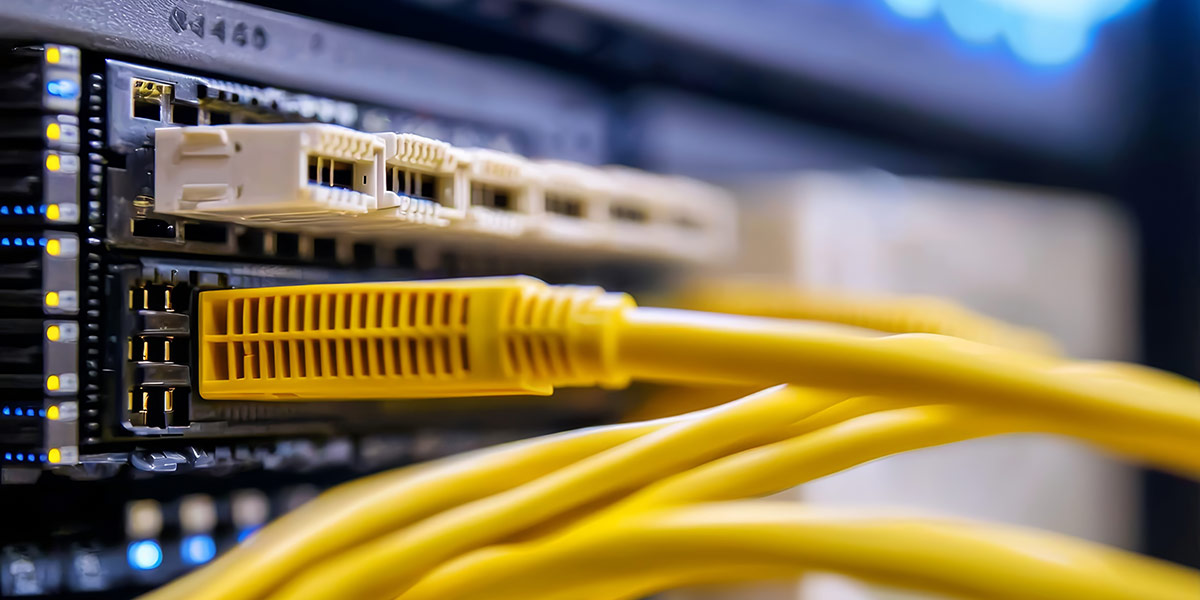
Firewalls, switches, wireless access points and routers run software too, and that software needs updates. Many small business networks run firmware that is years old, with known weaknesses that attackers already know how to use. Log in to each device, or ask your IT provider, and confirm it is on a current, supported version.
While you are there, look at the admin passwords. Default credentials on network equipment are one of the easiest ways in, and they are often never changed after installation. Also check whether any equipment has reached end of life, which means the manufacturer no longer releases security fixes for it. A device that can no longer be patched belongs on a replacement plan. Check the Wi-Fi password itself as well, since in many offices it hasn't changed since the day the network was installed and has been shared with every visitor since.
Separate What Should Not Share a Network
On many small business networks, everything sits together. The guest Wi-Fi, staff laptops, security cameras, the smart thermostat and the payment system all share one flat network, and if any single device is compromised, an attacker can often reach all the others from it.
Segmenting the network fixes that. Guests get their own isolated network with internet access only, cameras and other connected devices are walled off from business systems, and payment systems sit in their own protected zone. It sounds complicated, but with modern network security equipment it is a standard setup that sharply limits the damage any one problem can cause.
Know What Is Connected and Who Can Get In
You cannot protect what you do not know exists. Make a list of every device on your network, including the ones people forget, like printers, cameras and that old computer in the back office. Unknown devices are a red flag, and a written list makes them easy to spot.
Access deserves the same attention. Former employees and old vendors sometimes keep working logins for months after they leave, so review who has access to what and remove anyone who no longer needs it. It is also worth looking at network access control, which checks every device before it is allowed onto the network. Physical access counts as well, so make sure the network closet is locked and not doubling as a storage room.
Have a Plan for the Bad Day
Even well protected businesses can have an incident, so plan for it before it happens. Backups should run automatically, include at least one copy kept offline or off site, and be tested regularly, because a backup that has never been restored is only a hope. Ransomware often goes after backups first, which is exactly why the offline copy matters.
Write down who to call and what to do if something goes wrong, including your IT provider, your bank, your insurer and the key people inside the business. A one-page plan written on a calm day saves hours of panic on a bad one. If you carry cyber insurance, check what the policy expects, because many policies look for protections such as multifactor authentication and regular backups, and a claim can depend on having them in place.
Get a Second Set of Eyes
A checklist like this catches the most common gaps, but it cannot replace a proper review of how your network is actually built and configured. Many problems only surface when someone looks at firewall rules, network layout and device settings in detail. If you would like an expert look at your network this October, contact our team and we will help you find and fix the weak spots before someone else finds them.
Frequently Asked Questions
How often should a business review its network security?
A quick review of updates, accounts and backups every quarter is a good habit, with a deeper review at least once a year. Major changes such as a new office, new equipment or staff turnover are also good reasons to check. October makes an easy month to turn the yearly review into a routine.
Is a firewall enough to protect a small business?
A firewall is essential, but it is only one layer. It has to be kept updated and configured correctly, and it cannot stop an employee from handing a password to a phishing email. Strong passwords, multifactor authentication, segmentation and backups all work together with the firewall.
Do small businesses really get targeted?
Yes. Many attacks are automated and look for weaknesses rather than specific companies, so being small does not keep a business off the radar. Smaller businesses can even be more attractive targets, because they often have fewer defenses in place.
What is multifactor authentication?
Multifactor authentication adds a second step to logging in, such as a code from an app or a prompt on your phone, on top of the password. Even if someone steals a password, they cannot get in without that second factor. It is one of the most effective protections a business can switch on.
What is network segmentation?
Segmentation divides one network into separate zones so that devices with no reason to talk to each other cannot reach each other. Guests, cameras, staff devices and payment systems each get their own space. If one zone is compromised, the problem stays contained instead of spreading across the whole business.